 minimoth
Auth0
Deliver Auth0’s phone OTPs over WhatsApp first, SMS fallback, for Indian numbers — at MiniMoth’s rate, via a small Action you paste into your Auth0 tenant.
Before you enable this
This is tenant-wide, not opt-in per notification type — it takes over every Auth0 phone notification, including account-security SMS like blocked-account and password-change. MiniMoth’s Action only delivers OTPs; anything else is rejected, not delivered. Make sure you have another channel for those alerts first.
How it fits together
Auth0 already owns the entire OTP lifecycle — it generates the code, verifies it, and issues the session. MiniMoth becomes the delivery backend an Auth0 custom phone provider Action calls out to. Unlike some integrations, Auth0 doesn’t fix the shape of that call — the Action below is MiniMoth’s own code for you to paste in as-is.
MiniMoth never sees the Auth0 session or the verification step — only the notification Auth0’s Action forwards when it needs an OTP delivered. One consequence: this integration never returns a MiniMoth identity_id — Auth0 already owns that user’s identity as its own user_id, so use that instead.
Every branch of this Action explicitly tells Auth0 whether to retry or give up — nothing is ever silently dropped without Auth0 knowing about it:
exports.onExecuteCustomPhoneProvider = async (event, api) => {
  if (!event.notification.message_type.startsWith('otp')) {
    api.notification.drop(`MiniMoth only delivers OTP messages, not '${event.notification.message_type}'`)
    return
  }
  if (event.notification.delivery_method !== 'text') {
    api.notification.drop('MiniMoth does not support voice delivery')
    return
  }

  let response
  try {
    response = await fetch(event.secrets.SERVICE_URL, {
      method: 'POST',
      headers: { 'content-type': 'application/json', authorization: `Bearer ${event.secrets.TOKEN}` },
      body: JSON.stringify({ phone: event.notification.recipient, code: event.notification.code }),
    })
  } catch (err) {
    api.notification.retry(`Network error calling MiniMoth: ${err.message}`)
    return
  }

  if (response.status >= 500) {
    api.notification.retry(`MiniMoth returned ${response.status}`)
    return
  }
  if (!response.ok) {
    const body = await response.text()
    api.notification.drop(`MiniMoth rejected the request (${response.status}): ${body}`)
  }
}
Setup
Wire up test mode first — it confirms the connection without sending a real message or touching your balance.
-
MiniMoth dashboard — open your project, find the Auth0 Hook card, and click
Enable Auth0 Hook. Copy theTestHook URL and Token, and copy the Action snippet shown in the card.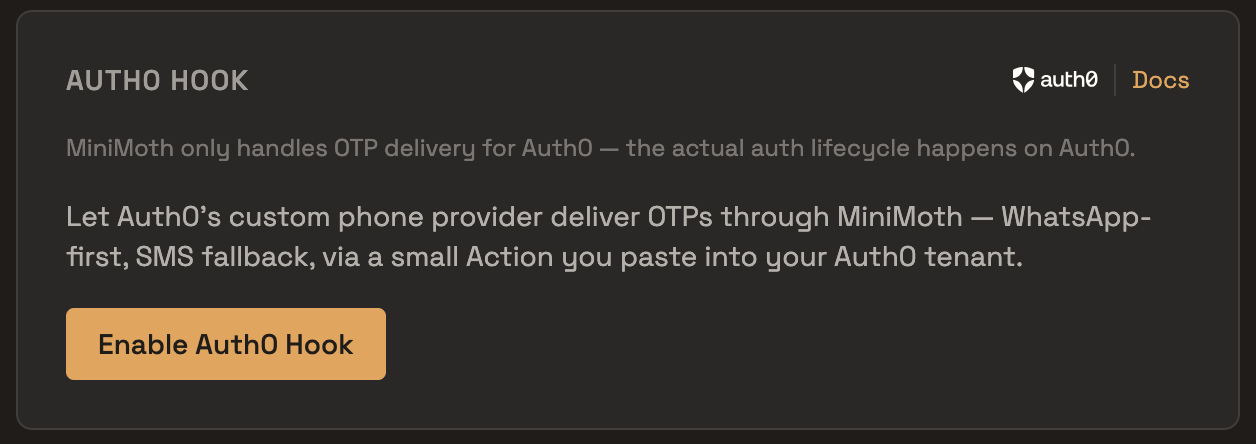
-
Auth0 dashboard — go to
Actions → Library, create a new Custom action bound to theSend Phone Message(custom phone provider) trigger, paste in the Action code, then add two secrets on the Action:SERVICE_URL(the Test Hook URL you copied) andTOKEN(the Test Token). Deploy the Action. -
Verify the connection — trigger a phone OTP flow from your app (or Auth0’s own testing tools), then check your Auth0 tenant’s Action logs for a successful call. Test mode sends no real message, so this is the only way to confirm the hook is wired correctly.
-
Go live — swap the Action’s
SERVICE_URL/TOKENsecrets for theLiveHook URL and Token from the same card. This is also the only way to see a real OTP actually delivered, since test mode by design never sends one.
Setting up via Terraform
Managing your Auth0 tenant as code? The steps above translate to an auth0_action, wired to the custom phone provider trigger via auth0_trigger_action, with auth0_phone_provider enabling it:
resource "auth0_action" "minimoth_custom_phone_provider" {
  name    = "MiniMoth Custom Phone Provider"
  runtime = "node22"
  deploy  = true
  code    = <<-EOT
    exports.onExecuteCustomPhoneProvider = async (event, api) => {
      if (!event.notification.message_type.startsWith('otp')) {
        api.notification.drop(`MiniMoth only delivers OTP messages, not '${event.notification.message_type}'`)
        return
      }
      if (event.notification.delivery_method !== 'text') {
        api.notification.drop('MiniMoth does not support voice delivery')
        return
      }

      let response
      try {
        response = await fetch(event.secrets.SERVICE_URL, {
          method: 'POST',
          headers: { 'content-type': 'application/json', authorization: `Bearer ${event.secrets.TOKEN}` },
          body: JSON.stringify({ phone: event.notification.recipient, code: event.notification.code }),
        })
      } catch (err) {
        api.notification.retry(`Network error calling MiniMoth: ${err.message}`)
        return
      }

      if (response.status >= 500) {
        api.notification.retry(`MiniMoth returned ${response.status}`)
        return
      }
      if (!response.ok) {
        const body = await response.text()
        api.notification.drop(`MiniMoth rejected the request (${response.status}): ${body}`)
      }
    };
  EOT
  supported_triggers {
    id      = "custom-phone-provider"
    version = "v1"
  }
}

resource "auth0_trigger_action" "minimoth_custom_phone_provider" {
  trigger = "custom-phone-provider"
  actions {
    id           = auth0_action.minimoth_custom_phone_provider.id
    display_name = auth0_action.minimoth_custom_phone_provider.name
  }
  depends_on = [
    auth0_action.minimoth_custom_phone_provider
  ]
}

resource "auth0_phone_provider" "minimoth_custom_phone_provider" {
  depends_on = [auth0_trigger_action.minimoth_custom_phone_provider]
  name       = "custom"
  disabled   = false
  configuration {
    delivery_methods = ["text"]
  }
  credentials {}
}
This resource doesn’t manage the Action’s SERVICE_URL/TOKEN secrets — set those separately, either in the Auth0 dashboard or via your own Terraform handling of Action secrets. Also note that Auth0 requires deleting any custom phone provider already configured manually via the dashboard before one can be created through Terraform.
Testing with real testers
Testing your integration before going live? MiniMoth’s Test Group preview feature works with the Auth0 test hook too — up to 5 real testers can see OTPs sent through your Test Hook without a real message going out.
Requirements
Your Auth0 connection’s OTP length must stay at Auth0’s default of 6 digits — MiniMoth’s SMS delivery uses a DLT-approved template that can’t accommodate other lengths. A mismatched configuration means every send fails.
Billing
Real OTPs sent via the live hook are billed to your wallet balance. Test-mode calls cost nothing and consume no credits.
Try the full OTP flow interactively in the sandbox — no SMS sent, no credits consumed. The same Playground also has a live test to send a real OTP to your phone (uses your credits).
Test in Playground →